
Although I changed my phone multiple times, I’ve owned a smartphone since 8th grade (so for around 3-4 years). Honestly, smartphones are mostly used as time killers, but there were a few apps that I used that I truly enjoyed using. They are not very relevant to education and being productive, but these apps are ones I really wanted to recommend to others.
1. Questions Diary
The reason I placed this app first is because it is definitely not very widely-known. I just recently discovered this app and I fell in love. What this app is that it asks you a question daily for 365 days. You type your answer to each respective question down every day. Then, a year later, it will ask you the same question again and you’ll be able to see how much you’ve changed over the year (for the better or for worse). The questions are based on your views and thoughts on certain scenarios. I think this is a great app to express your true feelings – ones that are hidden from other people – because letting it all out actually helps with relieving stress and sadness.
2. Google Opinion Rewards
This app isn’t related to psychology, but it’s related to money. Majority of the apps in the play store and the app store is free. However, the better-quality, more “pro”-like apps are not free and require money to be downloaded. However, I personally don’t have a card to input into my phone so I am unable to purchase anything that requires money (including movies, songs, and apps that cost money). As for this app, answering some questions in surveys that Google provides gives you money that is added to your Google Play account. So far, I was able to earn up to around $1 which opens up to a lot of apps that I could purchase now. Since the surveys are quick and easy, I think this is a great app to have.
3. VSCO
This is a very popular photo editing app that many, many people use. The reason I’m recommending this is because it is capable of changing the photos to match any mood and theme. For example, if you want your photo to be more calm and moody (?), then you can use the editing tools to adjust the brightness and contrast, etc., to make your photo that way. This is the only photo editing app that I use since it fits so perfectly with what I desire in a editing app. I know this app is popular, but if you love editing photos and don’t have this app, it’s a must-get.
4. Google Photos
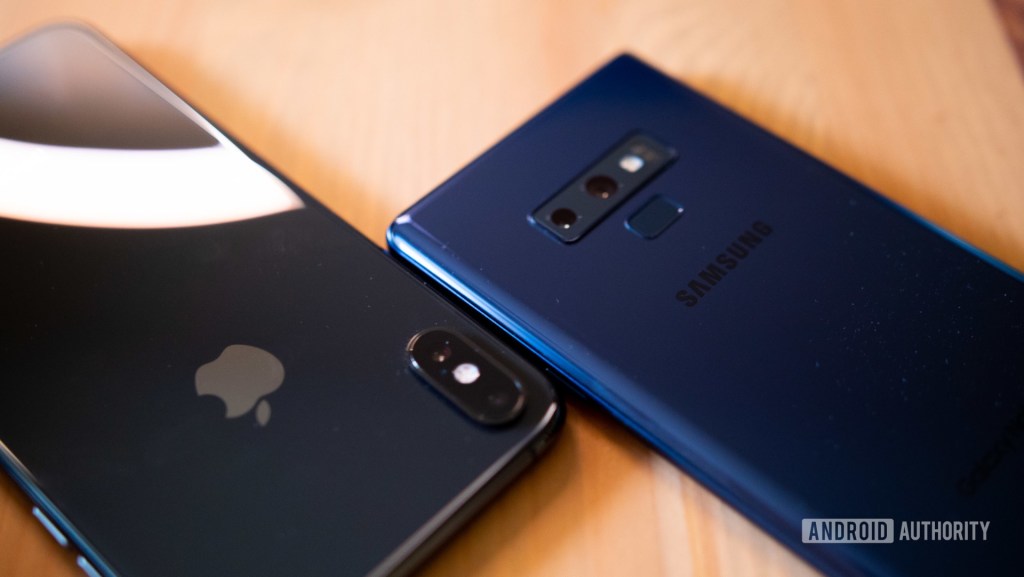
This is another super popular app that a lot of people use as their photo backup. The reason why I use this, however, is different from many other’s usage of this app. If you own all apple devices, such as the iPhone, iPad, MacBook, Apple Watch, AirPods, etc., there is airdrop which is extremely convenient when sharing documents between each device. However, if you’re like me and you own an iPad (Apple device) and a Note 9 (Samsung device), it is extremely difficult to share files such as photos and videos. I found that Google Photos is the most convenient to use since you can back up all of the photos and videos to your account and then download those into your other device. For example, if I took photos on my phone and I want them on my iPad, I back up all of my photos from my phone into my Google account using Google photos. Then, I go on my iPad and download those backed-up photos from the app to my Gallery. This is still a very gruesome process, but this is the most convenient way I know. If you by any chance know a more effective way, please teach me!
 Rachel’s Reviews